That one perfect photo of your little one covered in birthday cake is in there somewhere. So is the family holiday sunset, the first day of school snap and the photo you meant to print for Nan. The trouble is, they are buried between screenshots, duplicate shots, blurry photos and 47 nearly identical pictures of the dog.
Learning how to organise camera roll photos is not about creating a picture-perfect digital filing system. It is about making the moments you care about easy to find, enjoy and turn into something real before they disappear into the scroll.
Start by protecting what you already have
Before deleting anything, make sure your photos are backed up. Your mobile can be lost, dropped in the pool or replaced in a hurry. A backup gives you the confidence to clear out clutter without worrying that a precious memory has gone for good.
Most phones can back up photos automatically through their built-in cloud service or a photo storage app. Check that it is actually switched on, that there is enough storage space and that recent photos are appearing there. If you take plenty of family photos, this is worth checking every few months rather than assuming it is sorted.
A backup is not the same as an organised camera roll, but it is the safety net that makes organising much less stressful.
How to organise camera roll photos in small sessions
Do not set aside an entire Sunday afternoon and expect to sort 18,000 images. That is the fastest way to get overwhelmed and give up. Instead, set a timer for 10 or 15 minutes and work through one recent month, one event or one category at a time.
Start with the newest photos. They are easier to remember, and you will get immediate relief from the daily build-up of screenshots, shopping receipts and accidental pocket photos. Once a week, clear the obvious clutter and keep moving. The older backlog can wait until you have a little more time.
Your aim is not to reduce every day to one photo. The in-between shots matter too: muddy footy boots by the door, a sleepy baby in the car, a backyard barbecue that turned into a proper family afternoon. Keep the photos that tell your story, not only the polished ones.
Delete the easy stuff first
Begin with images that have no sentimental or practical value. This usually includes blurry shots, accidental black screens, repeated screenshots, photos taken only to remember a parking spot and duplicate images where one is clearly better.
Be careful with receipts, medical information, school notices and reference photos. If you still need them, move them into a dedicated folder, save the details elsewhere or make a note before deleting. The best system is one that clears the noise without creating more work later.
Many phones have built-in sections for duplicates, screenshots and screen recordings. These are a handy place to start because the decisions tend to be quick. You do not have to be ruthless with family photos to make a noticeable difference.
Choose a simple favourite system
Use the heart or favourite function whenever you find an image you genuinely love. This is the easiest way to create a shortlist without moving files around or trying to remember which album you used three years ago.
A favourite might be a photo you want to print, a moment you would happily send to family, or simply an image that makes you smile. The point is to create one reliable place for your best photos across all occasions.
Try making this a habit as you take photos. After a birthday party or weekend away, spend two minutes marking your top five to 10 images. Future you will be very glad you did when it is time to make a gift or update the fridge.
Create albums around real life, not complicated rules
Albums work best when their names make instant sense. You do not need dozens of folders labelled by exact dates, locations and categories unless that genuinely suits how your brain works.
For most families, a handful of ongoing albums is enough. Think Kids, Family, Holidays, Celebrations, Pets and Home Projects. You can also create an album for a specific milestone, such as “Mia’s First Year” or “Japan 2026”.
If you have more than one child, separate albums can be especially useful. They make it easier to look back on each child’s little moments, put together a birthday slideshow or choose photos for grandparents without scrolling through everything else.
There is one trade-off: albums are only helpful if you maintain them. Keep the system light. Add your favourites after an event, rather than trying to file every single photo. Your camera roll remains the full record; albums become the easy-to-browse highlights.
Make a dedicated print folder
A print folder is where digital photos begin their next life. Call it something obvious, such as “To Print” or “Print Picks”, and add photos as soon as you know you would like to see them off your screen.
This folder can include the big moments, but do not overlook the everyday ones. A cheeky grin at brekkie, cousins playing on the floor, your partner holding the new puppy or a sunlit beach walk can mean just as much on display as a formal family portrait.
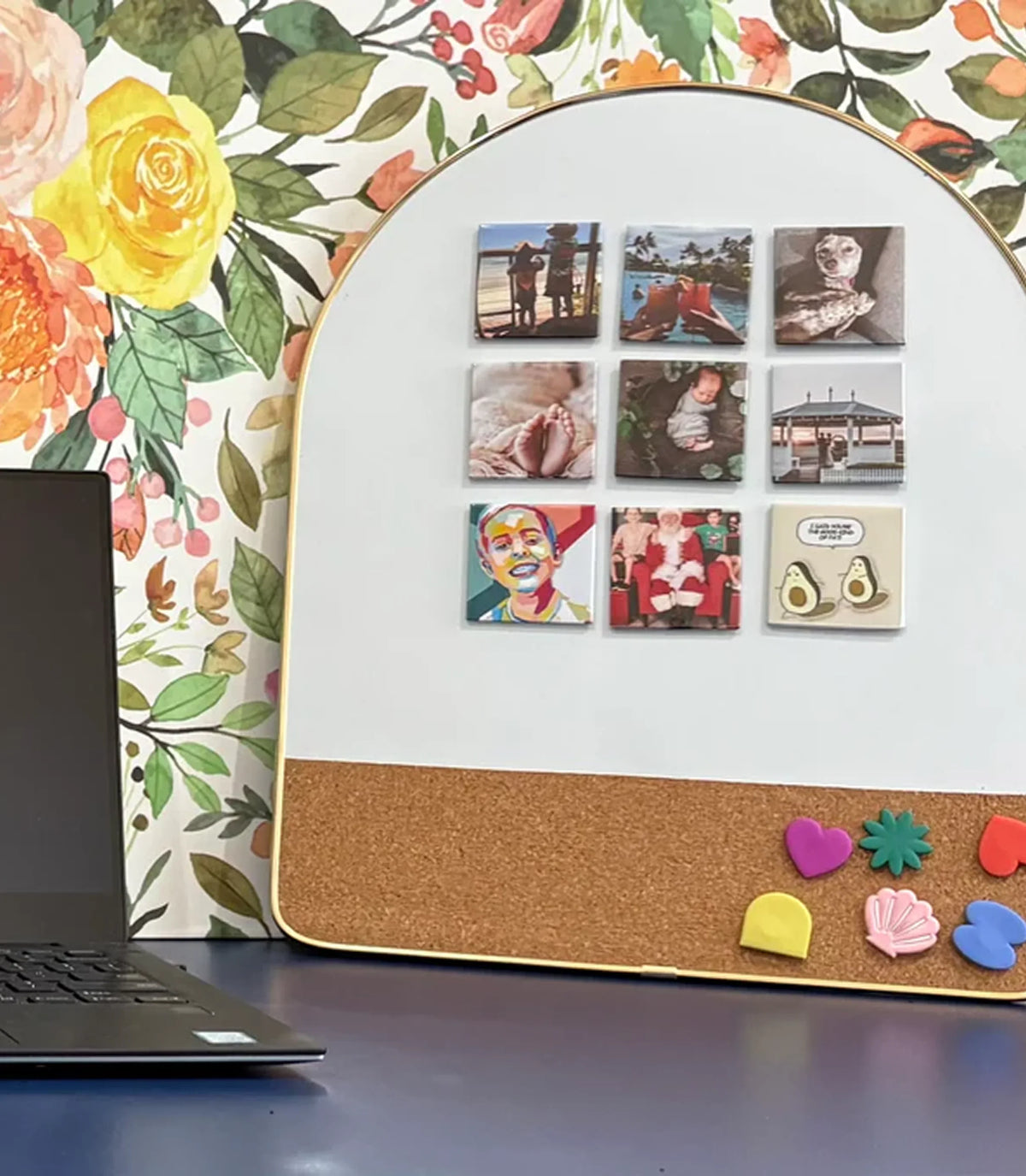
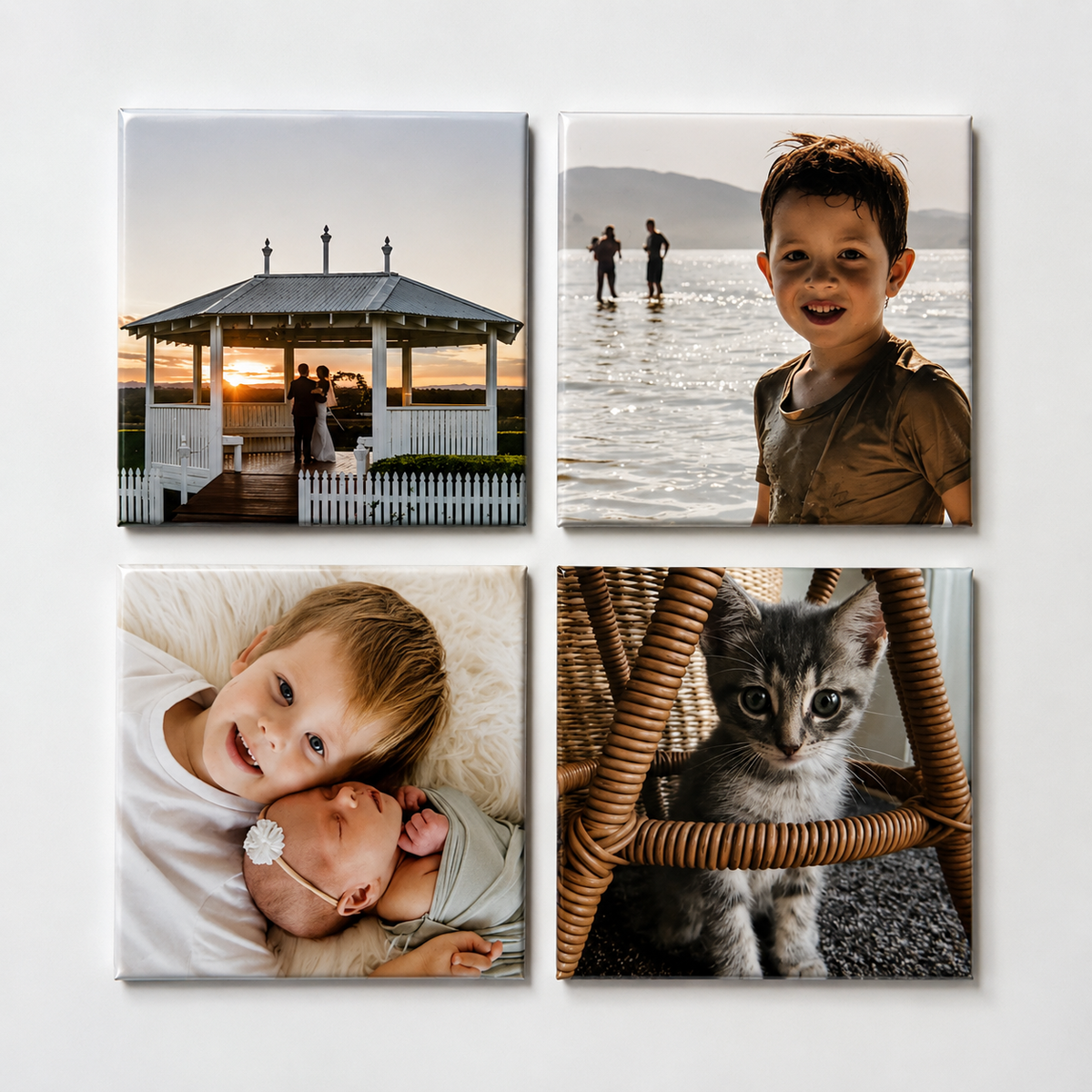
For small square photo magnets, photos with one clear subject often work beautifully. Look for sharp images with good natural light and leave a little room around faces where possible. Group photos can work too, provided everyone is close enough to be seen clearly in a smaller format.
When your print folder has enough favourites, you have already done the hardest part. At Just Magnets, those mobile photos can become bright, durable keepsakes for the fridge - a simple way to put the people and moments you love back into everyday view.
Set a monthly reset you can actually keep
A camera roll gets messy because it is always growing. The fix is not one massive clean-up. It is a short, repeatable reset that fits around real life.
Pick a regular time: the first Sunday of the month, the end of each school term or the quiet half-hour after the kids are in bed. Delete obvious clutter, favourite the best recent photos and add a few standouts to the right albums. If you took photos at a special event, make a print selection while the details are still fresh.
You may prefer a weekly mini-sort if you take lots of photos, while a monthly session may be plenty for others. It depends on how you use your mobile. The key is choosing a rhythm that feels manageable, not another household task you will dread.
Keep screenshots from taking over
Screenshots are useful until they are not. They can hold recipes, gift ideas, funny messages, travel plans, furniture measurements and things you want to buy later. But once they pile up, they make it harder to find actual photographs.
Treat screenshots as temporary notes. Each week, decide whether to act on them, save the information somewhere more useful or delete them. A recipe can go into your notes app. A gift idea can be added to a list. A funny message worth keeping can be saved to a small “Laughs” album.
This one habit makes a camera roll feel calmer almost immediately.
Do not wait for the perfect collection
It is easy to think you need a flawless set of professional-looking photos before printing anything. You do not. The photos that end up meaning the most are often the ones that capture a real expression, a familiar place or a season of family life that went by far too quickly.
Choose a few photos you love now, even if your camera roll is still a work in progress. Seeing them around the home is a gentle reminder that the best memories are not meant to stay buried on a mobile.